
Google Business Profile: what it is and how to list your business, step by step
Google My Business is now Google Business Profile. What it is, how to list your business without mistakes and what to fill in to show up more.
 Higor Pádua · 3 min read
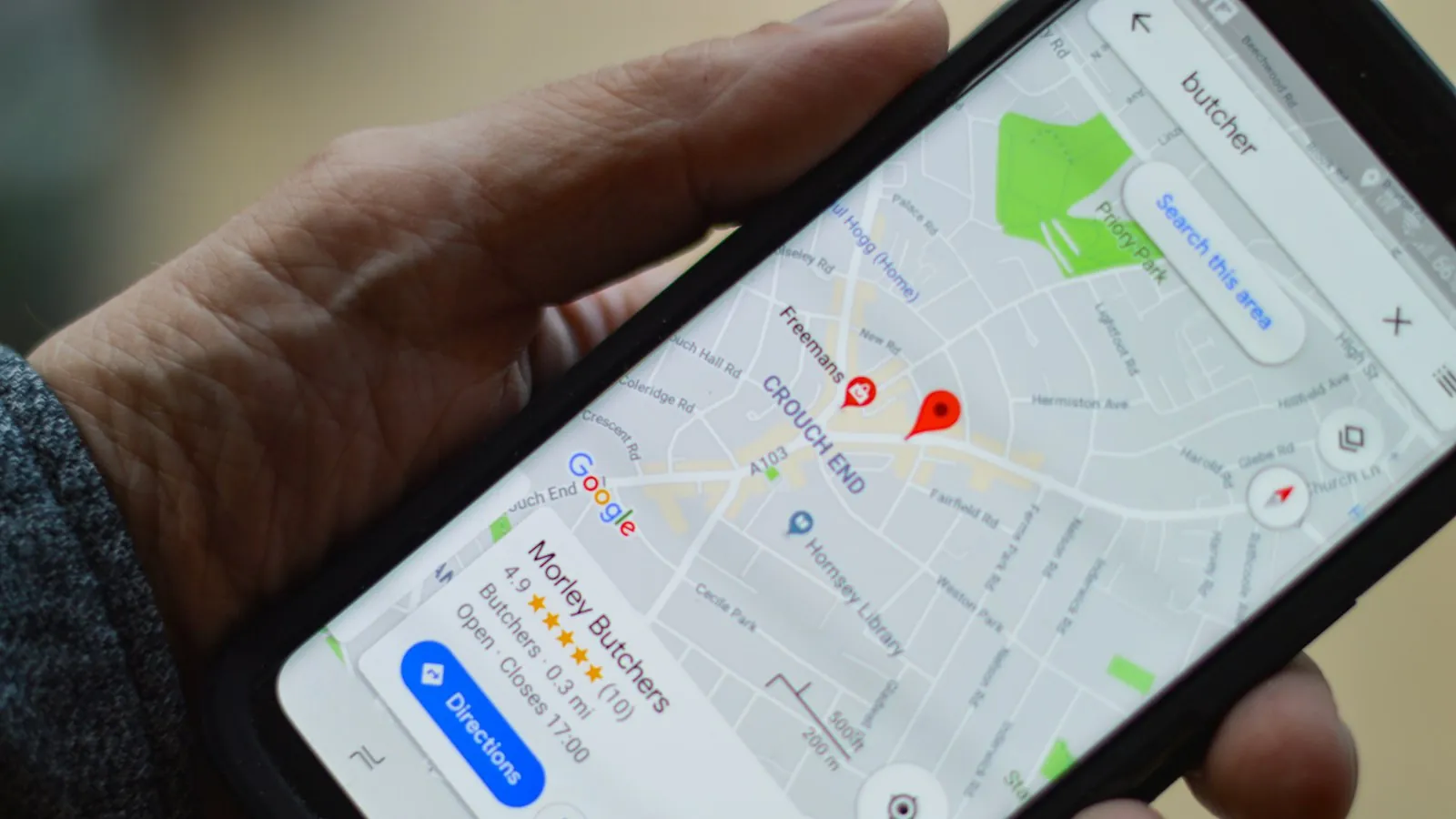
Think about the last time you searched for "pizza near me" or "dentist in Campinas". Before any website, a map showed up with three businesses, ratings, photos, hours and a call button. You probably made your pick right there.
That box is Google My Business. And it is by far the most searched-for showcase there is for a local business: according to Google's Keyword Planner, its Portuguese name ("google meu negócio") is searched between 100 thousand and 1 million times a month in Brazil.
What Google My Business is (and why it changed its name)
It's the free listing that makes your business show up on Google Maps and in that box next to the search results. Since 2021 the official name has been Google Business Profile, but almost everyone still calls it by the old name. It's the same thing.
It shows, all in one place, what people need to decide: what you do, where you are, what time you open, how to get there, photos and what other customers thought.
Before customers get to know your website, they get to know your Google profile. Often, they never even get to the website.
Who can have a profile?
Any business that serves customers in person, either at its own address (shop, practice, office) or by going to them (electrician, house cleaner, technician). Businesses that only work online, with no in-person contact at all, don't fit Google's rules.
And you can hide your address: if you work from home or go to the customer, you can show just your service area, like "Campinas and the surrounding region".
How to list your business on Google, step by step
- Go to google.com/business with a Google account that belongs to the business, not an employee's personal one. That account will be the owner of the profile.
- Search for your business name. If a profile already exists (sometimes customers create one), you claim it instead of creating another.
- Choose your primary category carefully. It's the field that matters most for showing up. "Psychologist" is better than "Health". Be specific.
- Enter your address or service area.
- Add your phone number and website. If you don't have a website yet, add your WhatsApp link.
- Verify your business. Google confirms you really exist, by video, phone call, text message or email, depending on the case. Without verification, your profile won't show up properly.
What to fill in to show up more
Creating the profile is half the job. The other half is making it complete, because Google prefers to show businesses that provide more information.
- Accurate hours, including holidays. Nothing is more annoying than showing up to a closed door.
- A description of what you do, who it's for and where, in the words your customers would use.
- Services or products, one by one, with a sentence explaining each.
- Real photos: the storefront (so people recognize it on the street), the inside, the team, finished work. Profiles with photos get more clicks than profiles without.
- Attributes, like accessibility, parking and payment methods.
- Posts every now and then: news, a promotion, a recent job. It shows the business is alive.
The mistakes I see most
- Putting the city or extra words in the name ("Clinic X Best Dentist Campinas"). That's against the rules and can get your profile taken down.
- Having two profiles for the same business.
- Ignoring reviews. Replying to every one, good or bad, makes a difference, and I explain how in Google reviews.
- Setting up the profile and never opening it again.
And once it's ready?
Once it's ready, your profile starts competing for space on the map with the businesses on your street. To understand what makes one show up before another, read how to show up on Google Maps.
If you already have a profile and aren't sure it's set up well, message me. In a few minutes we can see what's missing.