How to show up on Google Maps when people search for your service in your city
Why does your competitor show up on the map and you don't? Google's three criteria for local search and what to actually do to rank higher on Google Maps.
 Higor Pádua · 3 min read
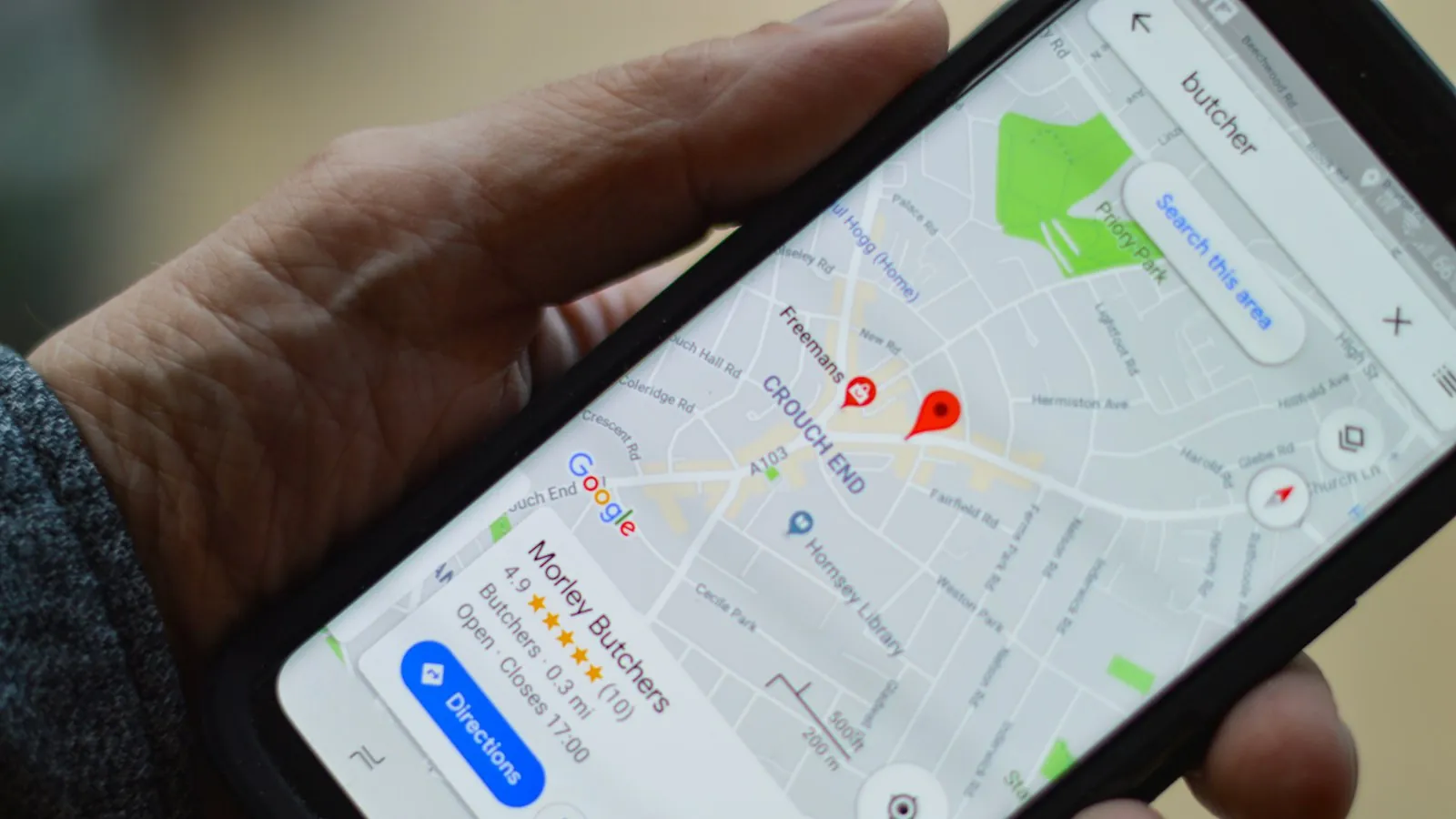
You type your own service into Google, with your city's name, just to see. Three businesses show up on the map. None of them is yours. One of them opened last year.
Don't panic. There's a reason for it, and it can almost always be fixed.
How Google decides who shows up on the map
Google itself explains that local search looks at three things:
- Relevance: how well your profile matches what the person searched for.
- Distance: how close you are to the person searching, or to the place they typed.
- Prominence: how well known your business is, on and off Google. Reviews, mentions, your website, it all counts.
You can't change distance (unless you move). The other two, you can. And that's probably where the new competitor is getting ahead of you.
On the map, the winner isn't whoever has been around the longest. It's whoever best explains to Google what they do.
Step 1: have a complete, verified profile
It all starts with your Google Business Profile, formerly Google My Business. If it isn't verified, you're simply not in the game. If it's half done, you're playing a player short.
The field that carries the most weight is the primary category. If you're a physical therapist and picked "Health clinic", Google isn't sure whether to show you to people searching for physical therapy. Be specific, and use secondary categories for your other services.
Step 2: speak the language of the people searching
Relevance is vocabulary. If people search for "phone repair" and your profile only says "electronics technical support", you're losing to whoever wrote it the way customers say it.
- In the description, say what you do, who it's for and what area you serve, naturally.
- Add each service separately, with a sentence explaining it.
- On your website, have a page for each important service and mention the city you serve. If you're in the Campinas area, spelling it out helps Google connect the dots.
Step 3: collect reviews (real ones)
Reviews are the fuel of prominence. The number counts, the rating counts, the frequency counts (a profile that got a review last week looks more alive than one that stopped in 2023), and replying counts too.
Ask happy customers, using the short link your profile generates. Never buy reviews and never offer a discount in exchange: it's against the rules and Google removes them. I wrote a whole guide on this: Google reviews.
Step 4: keep your profile alive
- New photos every so often. Finished work, your team, your space.
- Posts with news and offers.
- Up-to-date hours, especially on holidays.
- Answer questions that show up on your profile.
None of this is complicated. The hard part is consistency, and that's exactly why it works: most of your competitors don't have it.
Step 5: have a website that backs it all up
Google cross-checks information. If the name, address and phone number on your profile match the ones on your website (and on other listings, like Instagram and business directories), it trusts you more. If every place says something different, it's left in doubt.
A fast mobile website, with your service explained and WhatsApp in plain sight, does one more thing: it converts the people who clicked on your profile and wanted to know more. If you don't have one yet, start with how much a website costs.
How long does it take to move up?
It depends on the competition on your street. A new, complete profile usually starts showing up within a few weeks; competing for the top spot in a crowded service takes months of consistency. Be wary of anyone who promises a guaranteed first place. Nobody controls Google.
What you can guarantee is doing your part right. If you want, message me and I'll go over your profile and the map for your area with you.